Prepare a clear custom design brief
Collect the measurements, wording and reference details that make a custom design easier to review.
HappyBits team
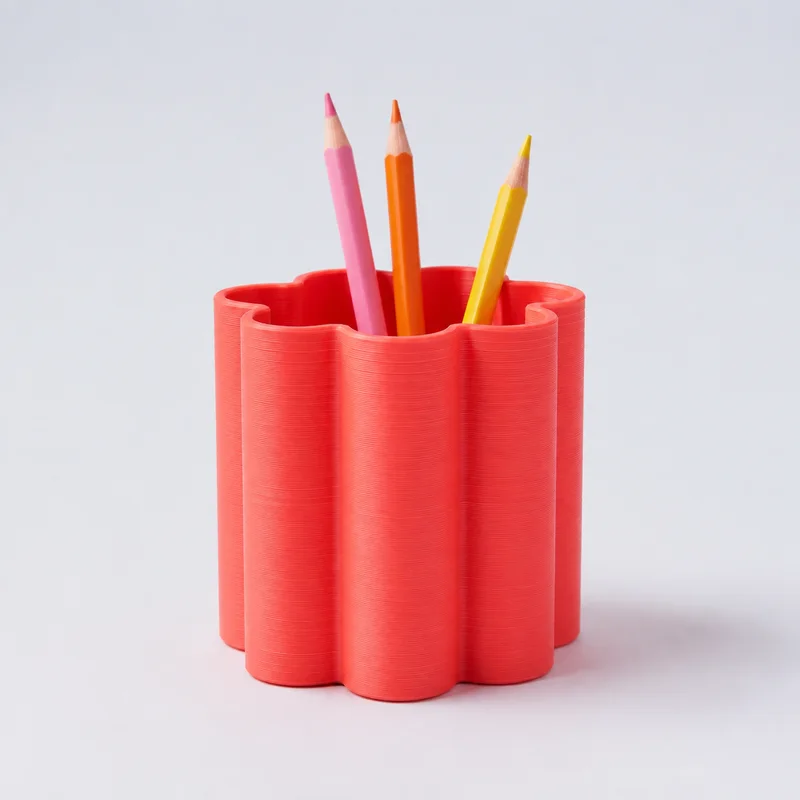
A useful design brief describes the object and how it will be used. Begin with one sentence: what are you making, where will it sit, and what should it hold or display?
Separate fixed details from preferences
- Write exact names or wording in plain text and check the spelling.
- List measurements with units and identify which dimensions cannot change.
- Mark colors and decorative details as preferences when alternatives are acceptable.
- Include a simple sketch with labeled dimensions rather than relying on a photograph for scale.
Review the proposed object
Check the orientation of text, openings and attachment points in the preview. A view from above may hide an important feature underneath. Ask for a view that shows each detail you need to approve.
Keep a copy of the version you reviewed. If the wording, dimensions or quantity changes, review the revised version before treating the earlier preview as final.